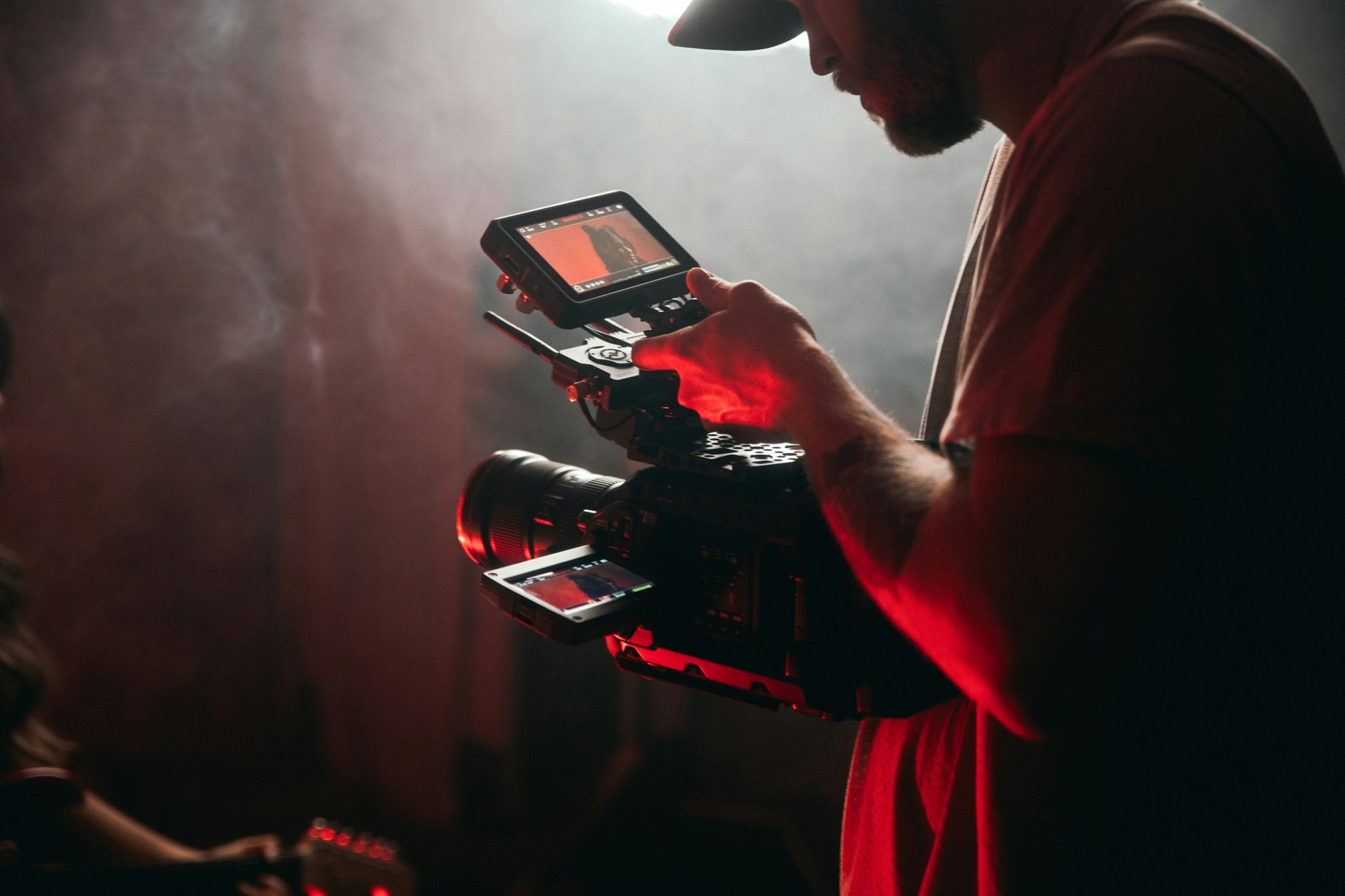
Ever spent an hour tweaking your mic settings only to sound like a robot on stream? Yeah, we’ve all been there.
In this streaming setup tutorial, you’ll learn the exact steps to create a seamless streaming experience—even if tech feels like hieroglyphics. Whether you’re running trials for Twitch, YouTube Live, or Facebook Gaming, I’ll guide you through everything from hardware choices to troubleshooting tips that actually work.
You’ll discover:
- How to choose the right equipment (without draining your bank account).
- A step-by-step walkthrough to configure your streaming software.
- Rare tricks most streamers ignore—like why “terrible lighting” might not be the villain you think it is.
Table of Contents
- Key Takeaways
- Why Do Most Streamers Fail During Trials?
- Step-by-Step Guide to Perfect Your Streaming Setup
- Top Tips for Flawless Streaming Trials
- Real-World Success Stories from Newbie Streamers
- FAQs About Streaming Setup Tutorials
Key Takeaways
- Your choice of microphone can make or break your streaming trials.
- OBS Studio is beginner-friendly but overwhelming at first glance.
- Troubleshooting internet lag will save your sanity—and your audience retention.
- Lighting matters—but don’t obsess over expensive ring lights just yet.
Why Do Most Streamers Fail During Trials?
I once streamed my first gaming session, confident that my Logitech webcam and $5 USB mic would do the trick. Spoiler alert: They didn’t. The audio sounded like Darth Vader gargling soda cans, and my face looked like it was lit by a haunted house flashlight.
Turns out, many newbie streamers fall into these traps:
- Prioritizing aesthetics over functionality (hello, unstable rigs).
- Overlooking essential tools like green screens or capture cards.
- Failing to test their entire setup before going live (cue awkward silences).
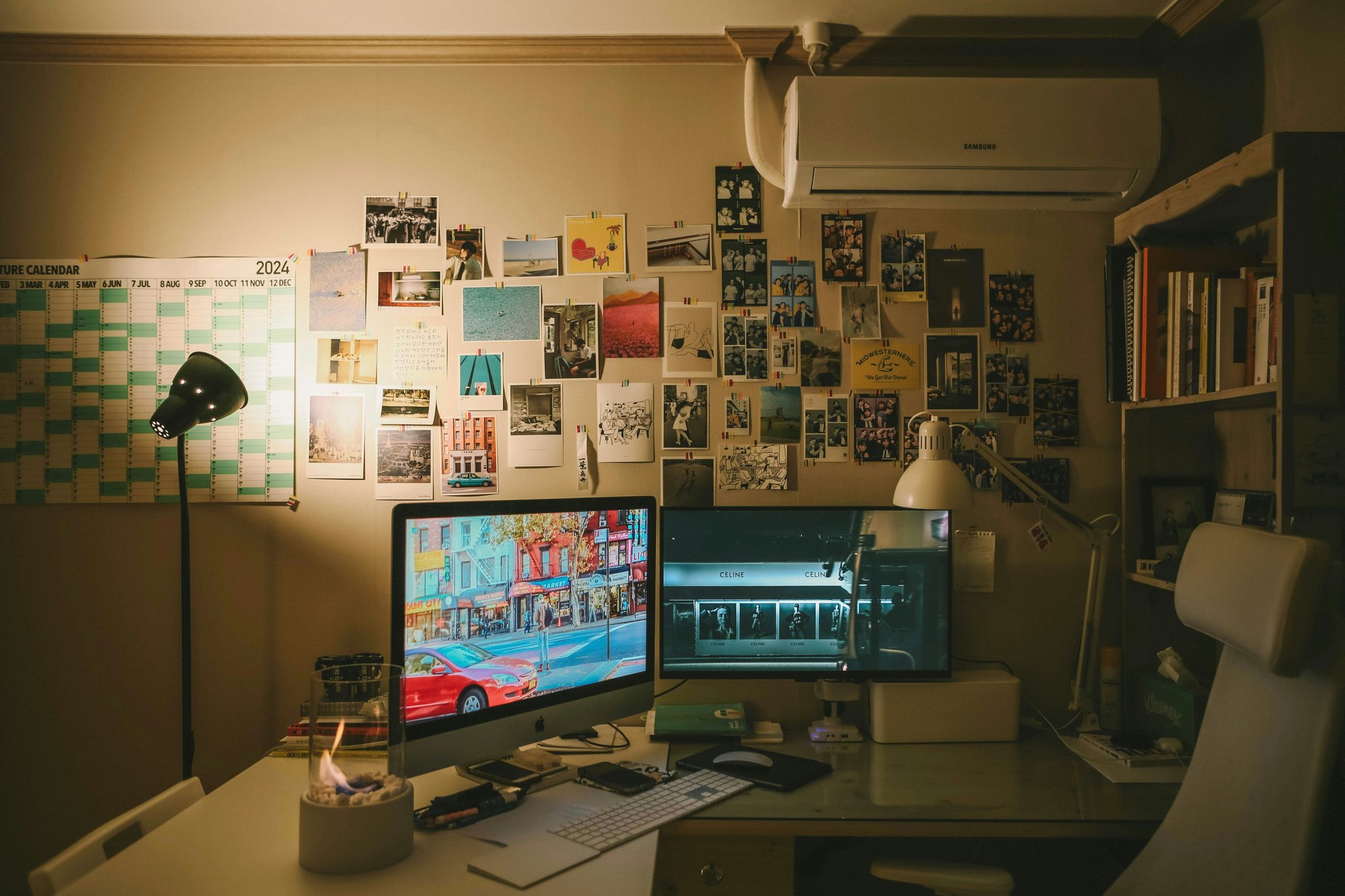
Caption: Don’t let bad planning turn your dream stream into a nightmare!
Step-by-Step Guide to Perfect Your Streaming Setup
Optimist You: “Follow these steps, and you’ll be ready to stream like a pro!”
Grumpy You: “Ugh, fine—but only if coffee’s involved.”
Step 1: Choose the Right Equipment
Here’s what you absolutely need:
- Microphone: The Blue Yeti is king for beginners.
- Webcam: Go for something reliable, like the Razer Kiyo Pro.
- Lighting: Start simple—a softbox or even natural window light works wonders.
Step 2: Install OBS Studio
Download and install OBS Studio, the gold standard in streaming software. If you hate reading manuals as much as I do, follow along:
- Add scenes (for different parts of your stream, like gameplay vs intro).
- Set up sources (game capture, webcam feed, etc.).
- Adjust bitrate based on your upload speed (Google “speedtest.net” if unsure).
Step 3: Test Everything Before Going Live
This part feels tedious—but trust me, it’s worth it. Run a quick trial stream to spot issues early, like echoey audio or poor video quality.
Top Tips for Flawless Streaming Trials
Now let’s get to the juicy stuff—the insider advice no one tells newbies:
- Invest in noise-canceling headphones. Nothing screams amateur-hour louder than background noise.
- Avoid using Wi-Fi unless necessary. Ethernet cables are cheap and fast—buy one now.
- Use overlays sparingly. Too many graphics distract viewers from content.
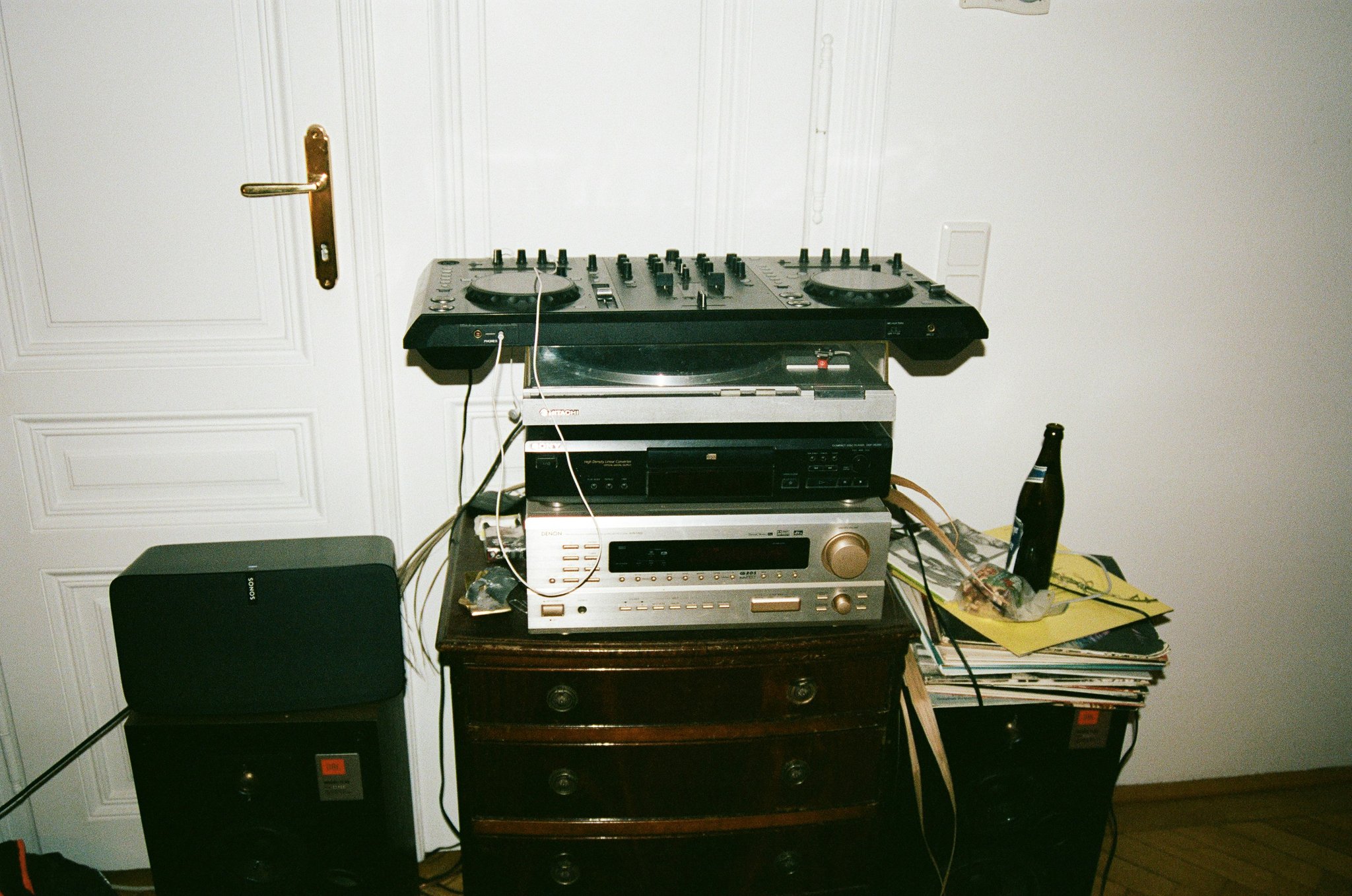
Caption: Keep it clean and professional, folks.
Real-World Success Stories from Newbie Streamers
Meet Alex (@GamerChick92), who started her journey with zero tech skills. She followed our streaming setup tutorial religiously and landed 1,000 subscribers within two months—all thanks to consistent testing and refining her trial streams.
“The biggest game-changer? Testing every single piece of gear before launch,” she says. “It sounds boring, but it saved me from countless fails during live broadcasts.“
FAQs About Streaming Setup Tutorials
What should I include in my streaming setup?
A solid streaming setup includes a good mic, webcam, reliable lighting, stable internet connection, and free software like OBS Studio.
Can I start streaming without spending money?
Technically, yes—but borrowing equipment or relying on built-in laptop mics isn’t ideal. Invest minimally where possible.
Why does my stream lag despite having high-speed internet?
Lag could stem from outdated drivers, poor encoding settings, or insufficient CPU power. Update OBS and tweak your encoder settings.
Conclusion
Setting up your streaming infrastructure doesn’t have to feel impossible—or financially crippling. With patience and persistence, you can run successful streaming trials that engage your audience and grow your channel.
“Like dial-up internet trying to load a GIF.”
That’s how messy streams sound when they’re half-baked. But not yours—not anymore.
Got questions? Drop them below, and remember: Every expert was once a clueless beginner. Now go forth and slay those trials!
Green screen dreams,
Pixelated perfection gleams.
Stream strong tonight.

