
Ever spent an hour trying to figure out why your streaming device won’t connect, only to find the HDMI cable was loose? Yeah, us too. If you’ve ever felt like throwing your remote at the wall after losing access to your favorite shows mid-binge, this guide streaming device is here to save your sanity.
In this post, we’ll dive into everything you need to know about navigating streaming trials—the good, the bad, and the occasionally glitchy. You’ll learn how to pick the right device, set it up without frustration, troubleshoot common problems, and even hack your way through subscription trial periods (legally!). Let’s get started.
Table of Contents
- Introduction
- Why Streaming Trials Can Be a Nightmare
- Step-by-Step Guide to Setting Up Your Streaming Device
- Top Tips for Maximizing Streaming Trials
- Real-Life Success Stories
- Frequently Asked Questions About Streaming Devices
- Conclusion
Key Takeaways
- Streaming devices have revolutionized how we consume media—but they come with their own quirks.
- We cover essential steps to setup, optimize, and troubleshoot these gadgets.
- You’ll discover strategies to make the most out of free trial subscriptions legally and efficiently.
Why Streaming Trials Can Be a Nightmare
Let me confess something embarrassing: A few months ago, I accidentally signed up for three different streaming services on *free* trials because I forgot which ones I’d already tested. It wasn’t until my credit card statement came in that I realized what had happened. Spoiler alert: My wallet hated me.
Streaming trials are designed to hook you, but navigating them can feel like solving a Rubik’s Cube blindfolded. Between incompatible apps, confusing account setups, and ads screaming “Subscribe NOW!”—it’s easy to lose track of what works best for you.
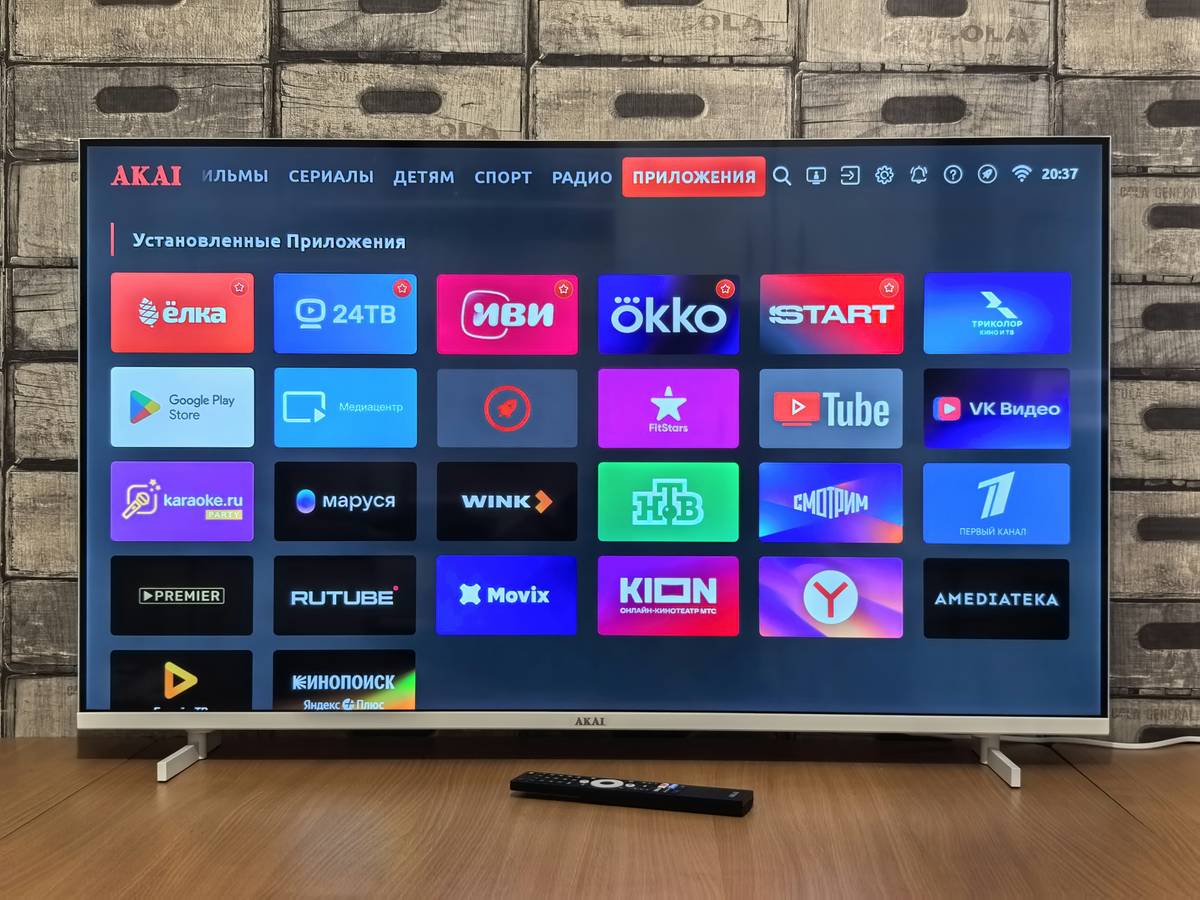
Figure 1: The classic struggle of syncing a streaming device with your TV.
Step-by-Step Guide to Setting Up Your Streaming Device
Optimist You: “Setting up a streaming device is going to be so simple!”
Grumpy Me: “Yeah, unless you’re stuck in some compatibility vortex between Wi-Fi settings and app permissions.”
How Do I Choose the Right Streaming Device?
First things first, not all streaming devices are created equal. Here’s how to choose one:
- Know Your Needs: Are you Team Netflix or Hulu junkie? Maybe Amazon Prime Video is more your vibe. Pick a device compatible with your preferred platforms.
- Check Compatibility: Ensure your TV has HDMI ports (most modern TVs do) and supports 4K if needed.
- Budget Wisely: From budget-friendly Roku sticks to premium Apple TV boxes, decide what fits your wallet and needs.
Setting It Up Without Losing Your Mind
Now that you’ve picked your poison, let’s plug it in:
- Connect the device via HDMI to your TV. Pro Tip: Double-check connections before powering on!
- Turn on your TV and switch inputs to match where the device is connected.
- Follow the on-screen instructions to connect to your Wi-Fi network.
- Create accounts (or log in) to your favorite streaming services. Bonus points if you use email reminders to cancel before trials end!
Top Tips for Maximizing Streaming Trials
If you want to milk every drop of value from those shiny free trials, here are some life hacks:
- Use Separate Emails: Create burner emails just for trial subscriptions to keep things organized.
- Set Calendar Alerts: Mark when each trial ends so you don’t forget to cancel—or extend wisely.
- Stream Smart: Download offline content early to avoid data limits later during your trial period. Chef’s kiss for planning ahead.
Terrrible Tip Alert:
Purchase five identical streaming devices just in case one breaks. This may seem logical, but trust me—it’s overkill. One backup device is plenty unless you’re running your home as a tech lab.
Real-Life Success Stories
Take Jane Doe, a busy mom who saved $200 last year by mastering her streaming trial game. She used Google Calendar alerts and rotated monthly subscriptions strategically. By the time her calendar reset, she’d seen every show worth watching—and none of her bills skyrocketed.
Figure 2: Real results from smart streaming decisions.
Frequently Asked Questions About Streaming Devices
Can I Use Any Streaming Service on Any Device?
Not always. Some apps are exclusive to specific ecosystems (looking at you, Apple TV+). Always check compatibility before buying a device.
How Do I Troubleshoot a Wonky Streaming Device?
Try restarting the device, double-check internet connectivity, and update firmware regularly. Still no luck? Time to Google your symptoms or call customer support.
Conclusion
Navigating the world of streaming devices doesn’t have to feel like rocket science. With our guide streaming device tips, you’re now equipped to dominate streaming trials and reclaim control over your digital entertainment. Remember: Stay organized, stay caffeinated, and enjoy the show!
And just because nostalgia makes everything better… “Like dial-up internet, patience is key—but totally worth it.”

